Start With the Slip You Already Have
Upload screenshots or paste text instead of entering every player and line again.
Upload a bet-slip image or paste its text to identify NBA selections, review matched legs, and bring an existing slip into your Layzer research.
Free: 5 scans/month. Pro: 40; Elite: 200 per billing period, with daily limits.
No credit card needed to join Free.

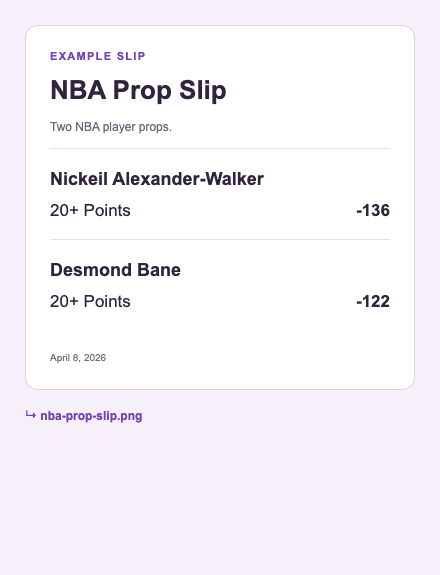


Upload screenshots or paste text instead of entering every player and line again.
Check the extracted player, stat, threshold, and game. Unmatched selections stay visible for review.
Failed parses do not consume a successful-scan allowance. Pro and Elite include larger allowances and advanced research.
Yes. Free includes 5 scans each month. Pro includes 40 per billing period, up to 10 per day; Elite includes 200, up to 40 per day.
Review the extracted selections before saving. A clearer crop or pasted text can help. A failed parse does not count as a completed scan.
Save research, explore the tools, and choose a paid plan when you want its additional features.